How it works
How to create your invitation in minutes.
- 01
Choose your template.
See the demo, then buy the one you like — it opens straight into sign-up.
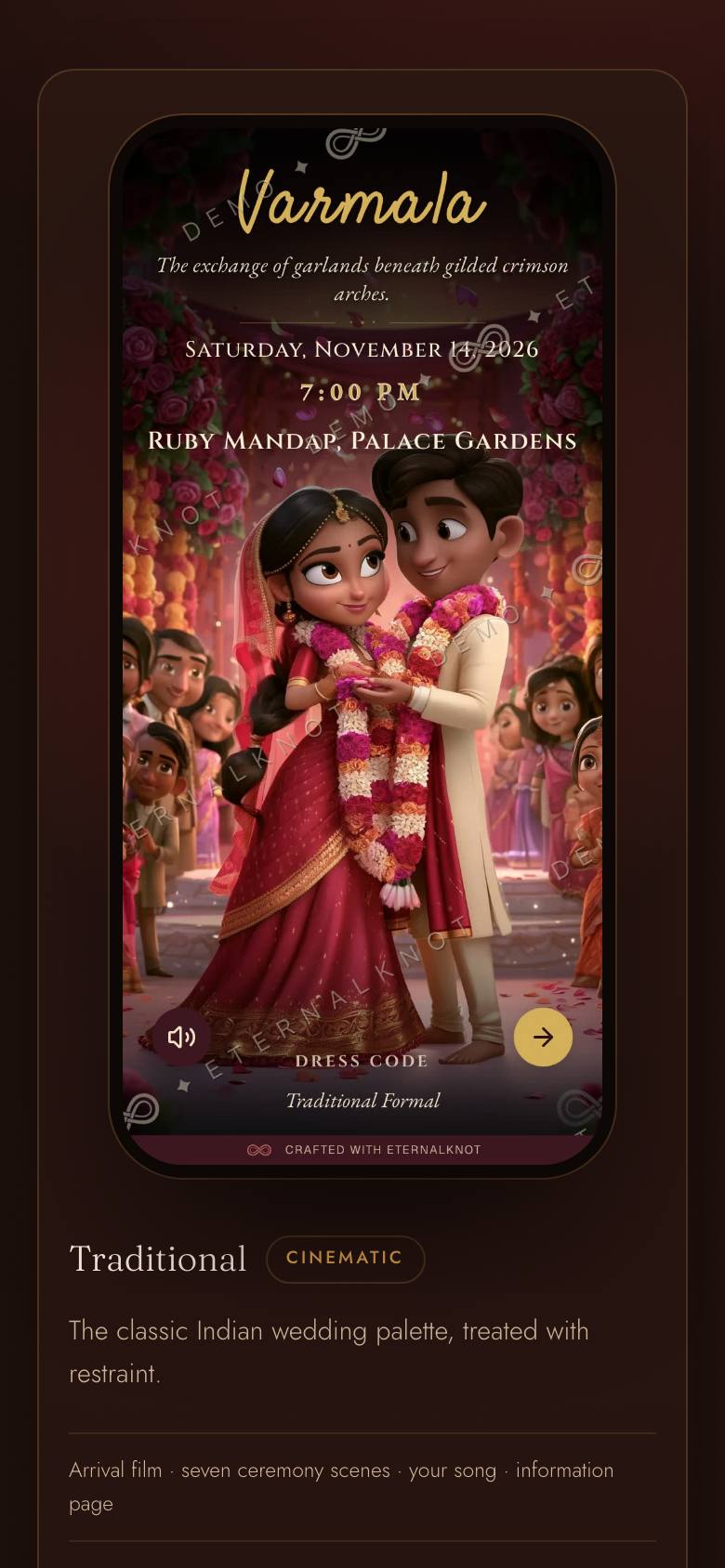
Template picker
- 02
Sign up and pay.
Create your account and pay securely — then you’re in, building.
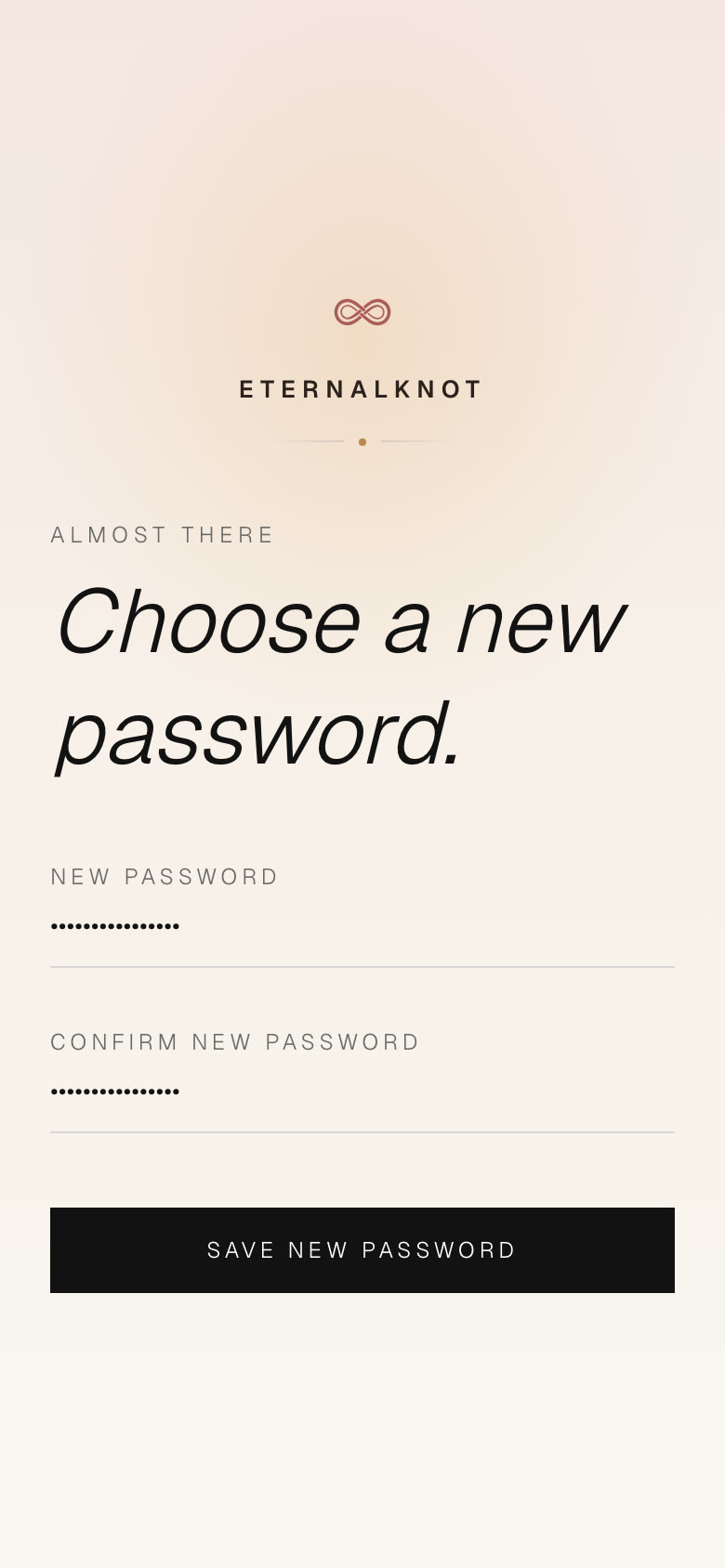
Sign up and pay
- 03
Set the date and the address.
First login asks two things: your wedding date, and the address your invitation lives at — card.eternalknot.co.in/priya-arjun.
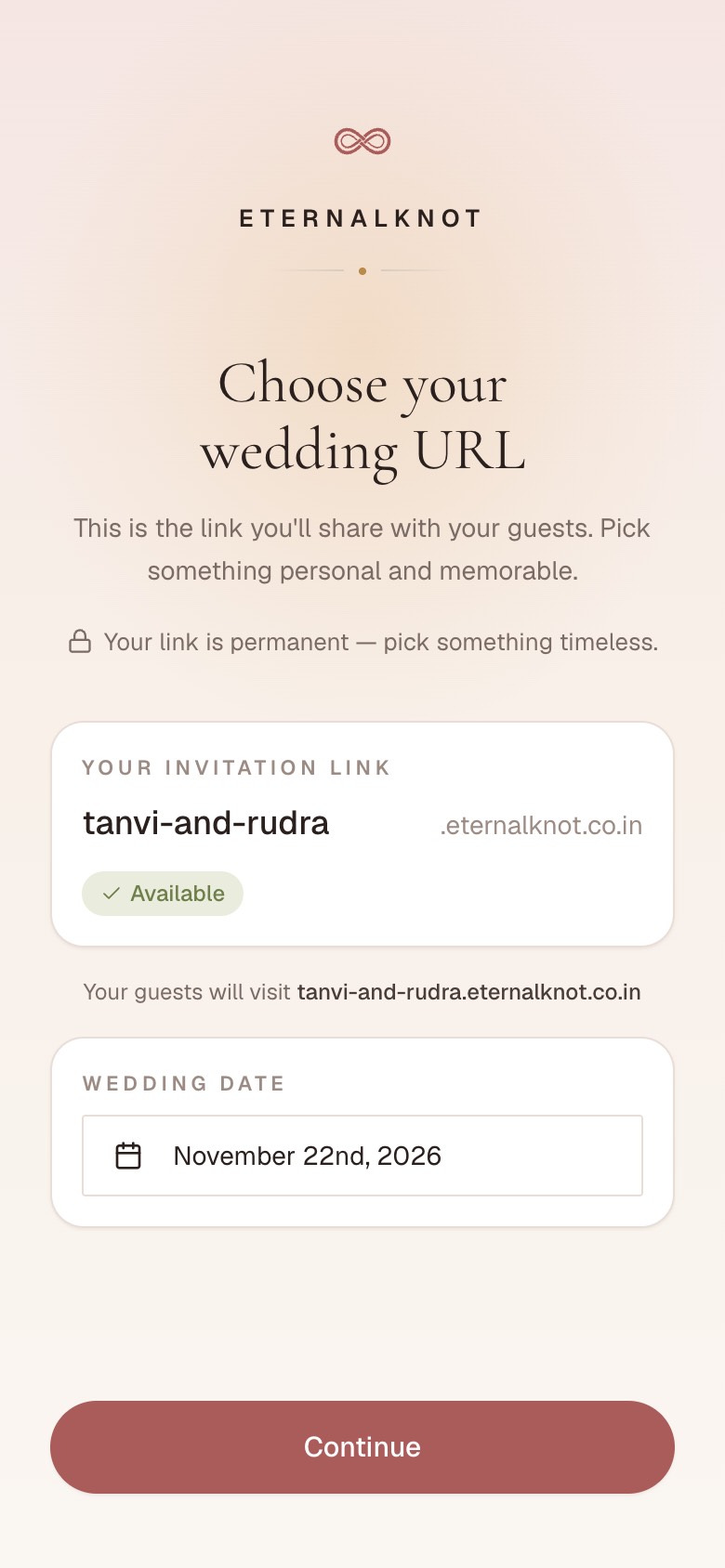
Date and address
- 04
Build the invitation in minutes.
A guided form walks you through it, so the invitation comes together fast.
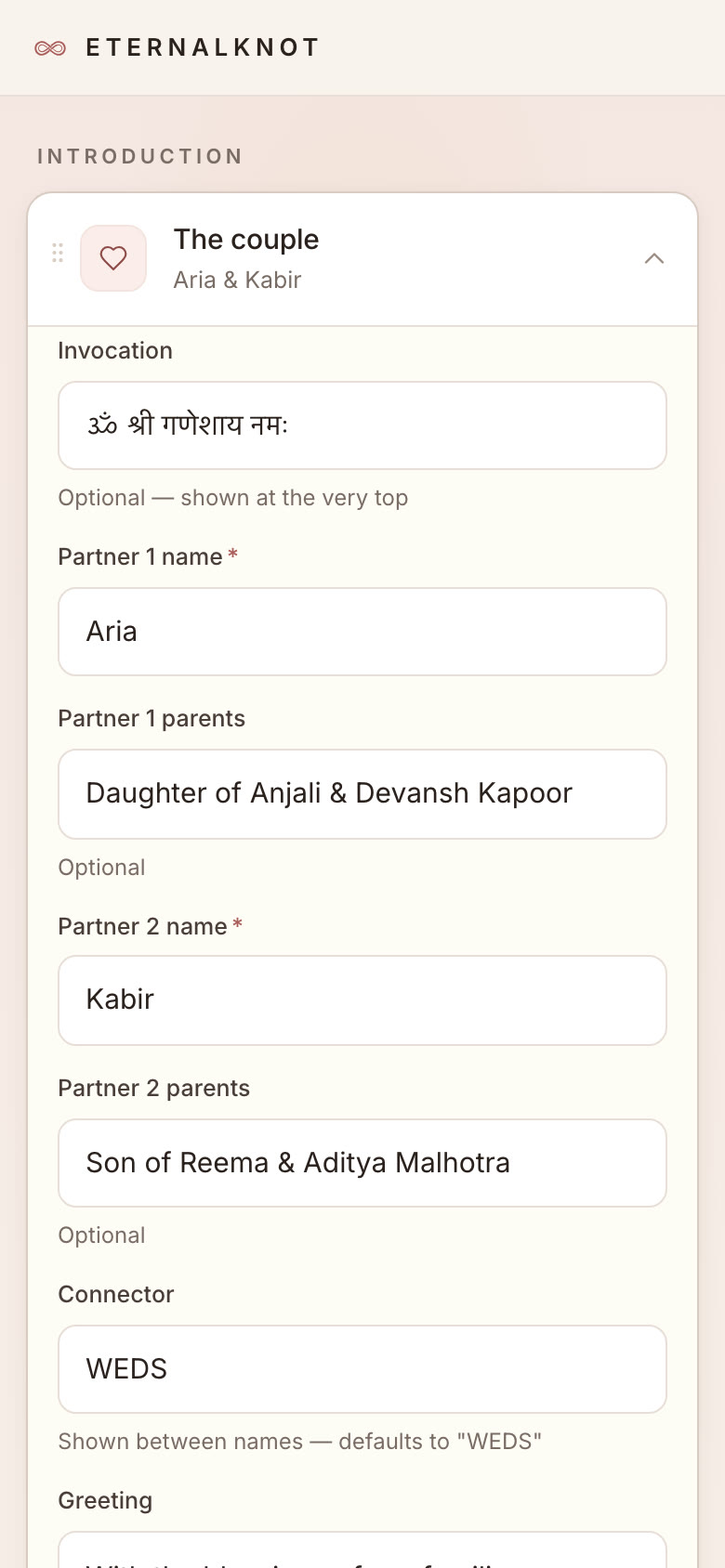
The guided form
- 05
Publish and preview.
Press publish and it’s live. Open the link and see exactly what your guests will see.
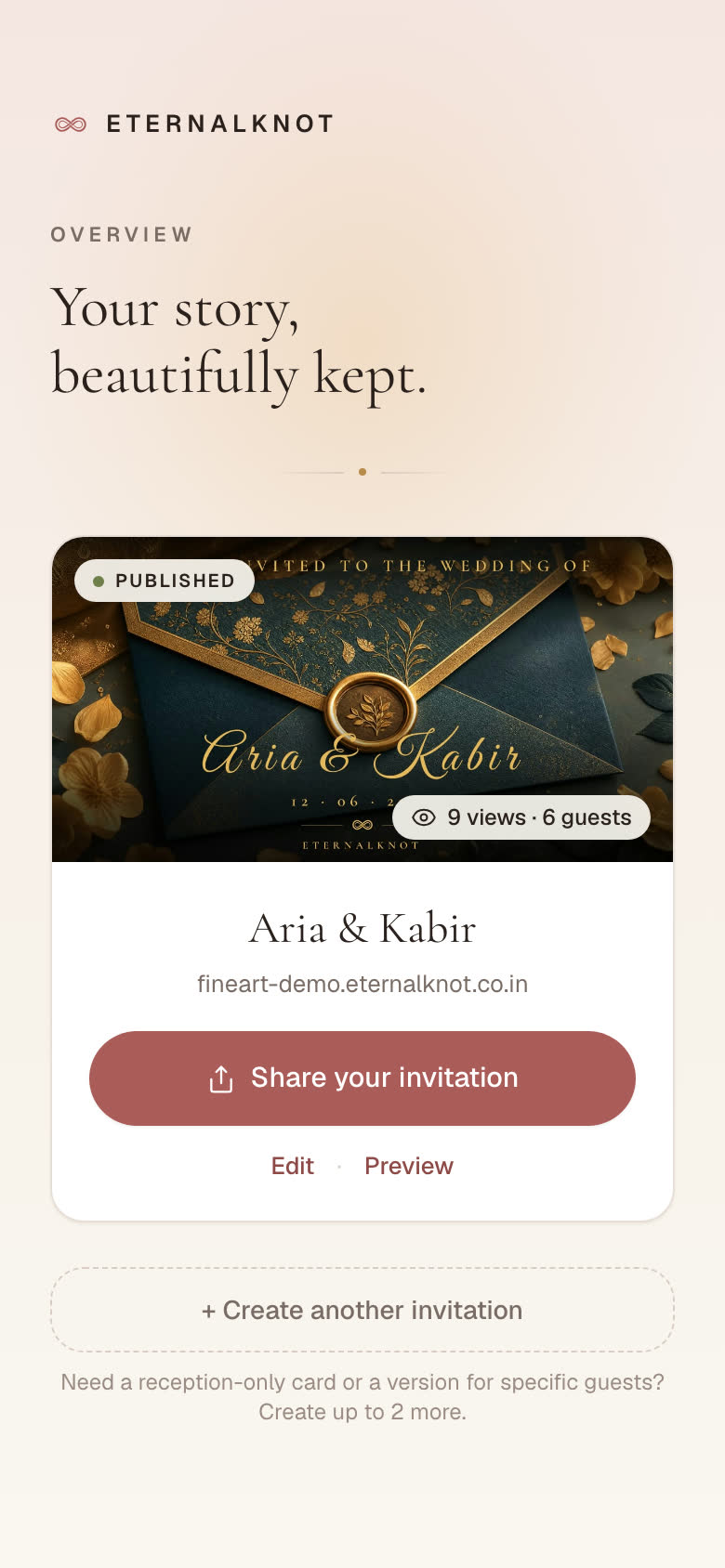
Going live
- 06
Share it on WhatsApp.
AI can draft the message for you. You see it exactly as it’ll sit in the chat before you send.
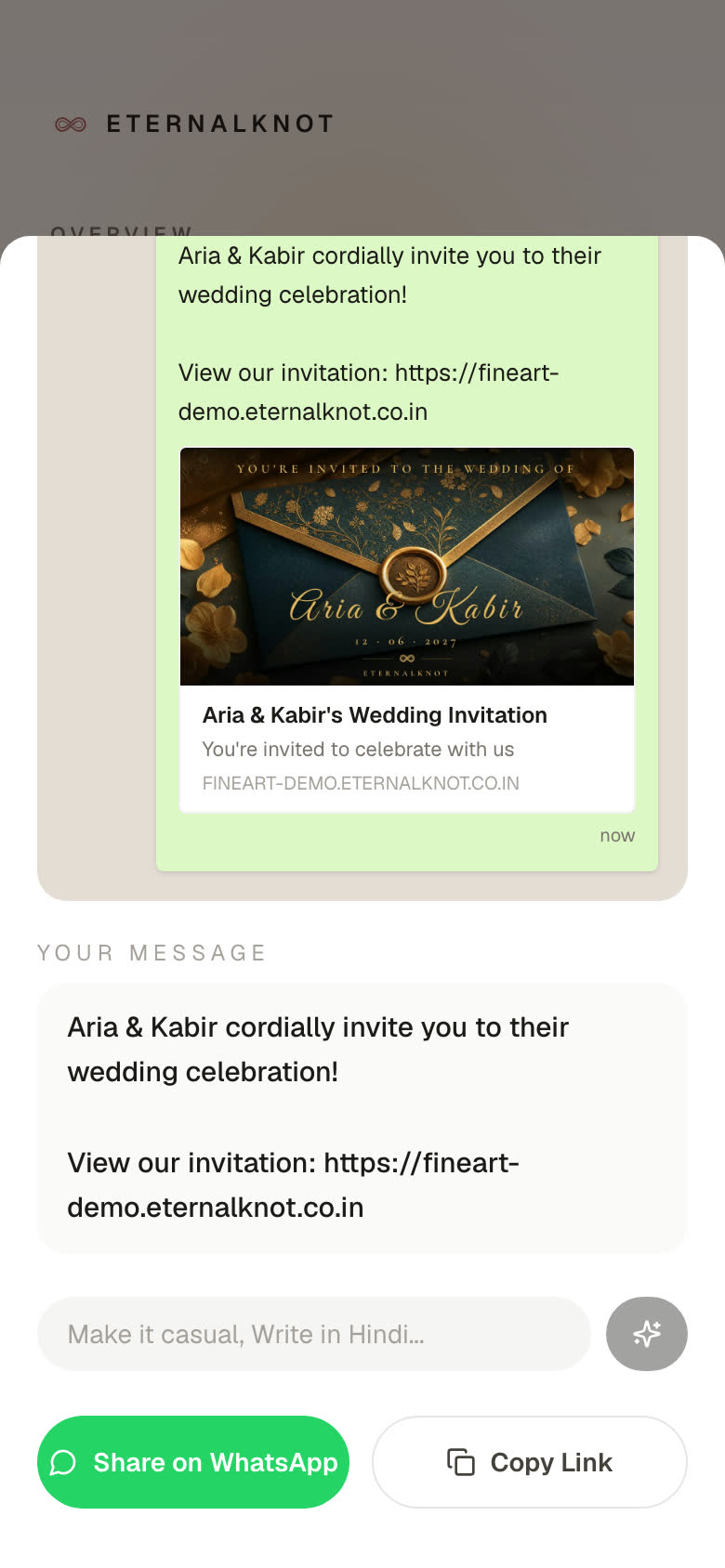
WhatsApp share sheet